Open-source desktop client

The desktop client for Immich on Windows, macOS, and Linux.

Synchronize local media to your self-hosted Immich server with a fast, private, cross-platform app built for dependable uploads.

Zero telemetry. Zero advertising. Lymic connects directly to the Immich Server you configure.

Lymic cloud logo
Independent Sync Client
Connection
Direct HTTPS
Credentials
Native OS Keyring

A clear path from local media to Immich.

Dependable Synchronization, precise organization, and private local state—all in a focused desktop app.

Connect securely to your Immich Server.

Sign in directly to the Immich Server that receives your media. Lymic keeps settings and Synchronization progress in local SQLite storage, while API credentials stay protected by the native OS keyring rather than the database.
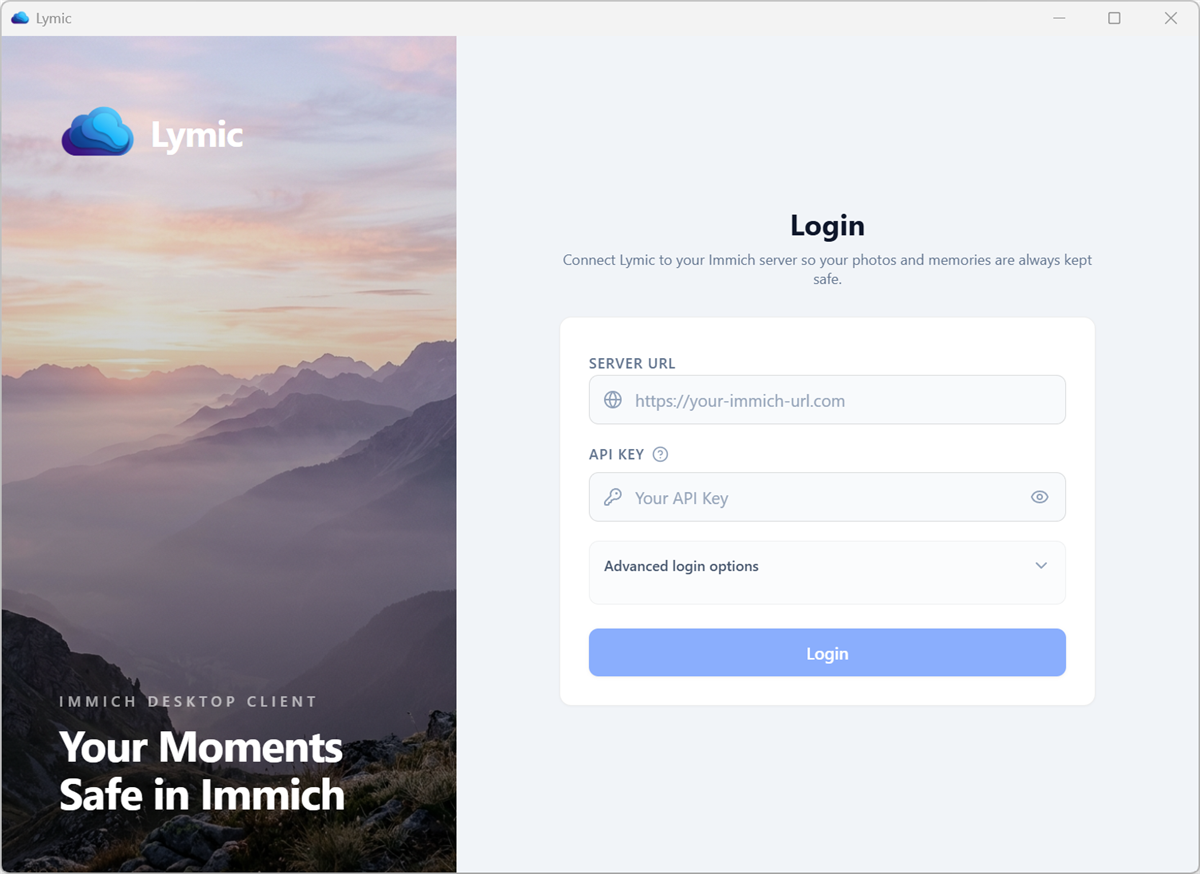
Lymic sign-in screen for connecting securely to an Immich Server

Folders that stay found.

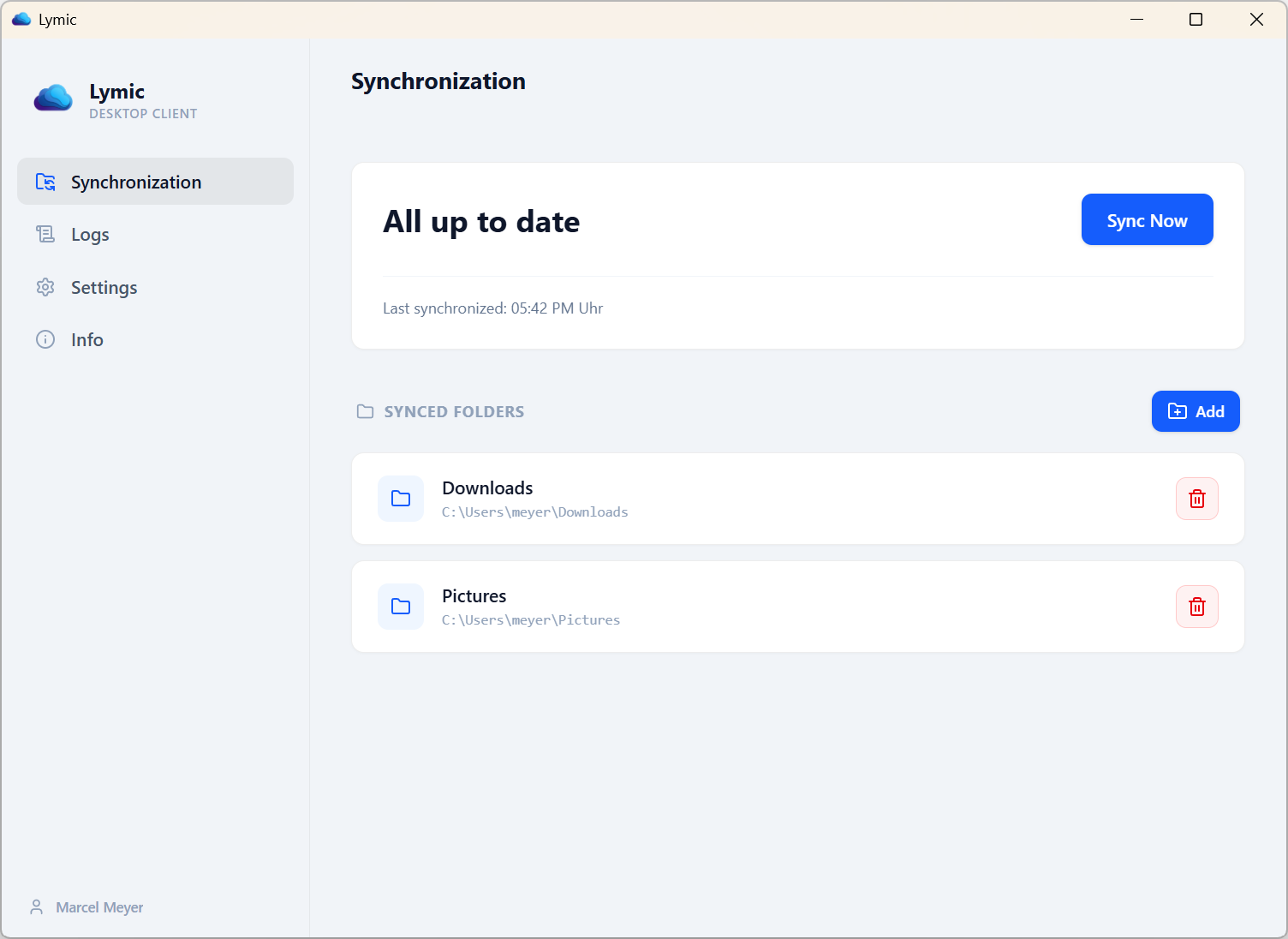
A Watched Folder is a configured local directory whose supported media Lymic discovers and keeps under observation. A Removable Watched Folder is a Watched Folder located on removable storage, bound to a Volume Identifier and relative path so Lymic can follow mount point changes. This stable volume tracking also survives drive-letter changes.

Lymic Watched Folders screen showing configured local media sources

Organized automatically, without repeat uploads.

A Target Album is an optional album in the Immich Library associated with one Watched Folder. Every asset discovered in that folder is intended to belong to this album. Lymic performs Album Assignment for new uploads and Duplicates. A Duplicate is a locally discovered Media Asset that Immich recognizes as an existing Remote Asset. A Duplicate is not uploaded again. Lymic recognizes it with a SHA-1 checksum check.

SHA-1 Deduplication Target Album Sync Zero Redundant Bandwidth

Your media details travel together.

Each Upload Unit is processed as one indivisible item: either one Media Asset or an image with its matching Live Photo Video. Optional XMP Sidecar metadata is supplied alongside its Media Asset when supported, with preferences and durable progress kept locally.

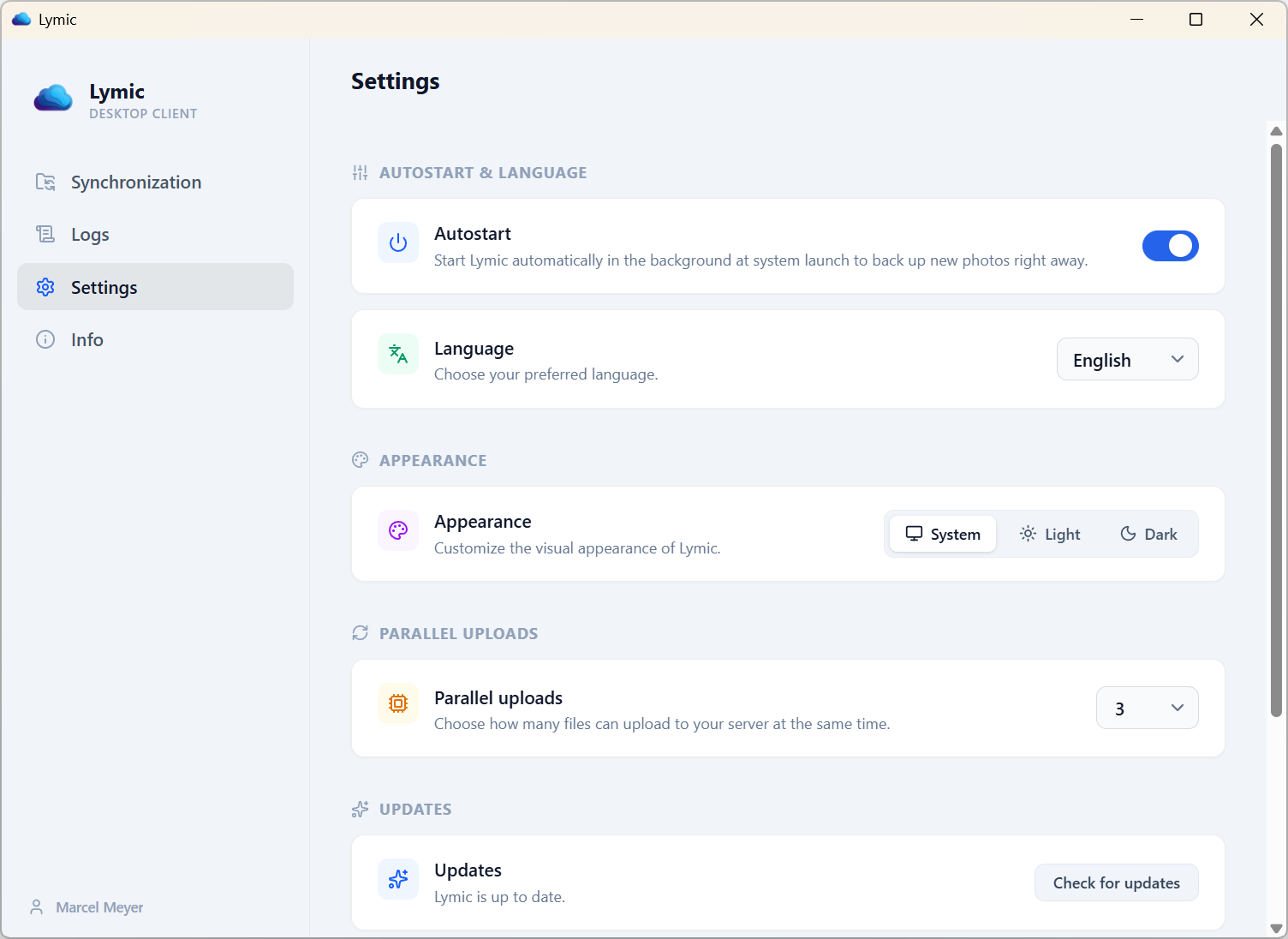
Lymic settings screen for configuring synchronization and application preferences

A native fit on every supported platform.

Choose the package for your operating system while keeping the same private, upload-oriented Synchronization workflow.

Windows

x64

A planned optional Virtual Library will use the Windows Cloud Files API to project your Immich Library as read-only placeholders with on-demand hydration; it is not included in the current GitHub build. GitHub Releases provides MSI and NSIS installers, while a separate Microsoft Store channel is planned but has not been submitted and is not public.

macOS

Apple Silicon

The native menu bar tray keeps Synchronization controls available in the background, with desktop notifications for important outcomes. GitHub Releases currently provides a DMG for Apple Silicon; an Intel DMG is not currently published.

Linux

Ubuntu / Debian / Snap

Install directly via Canonical Snap or choose the x86_64 AppImage or DEB package from GitHub Releases. Closing the main window leaves Lymic operating in the background through its system tray so Watched Folders remain under observation.

System requirements and downloads.

These requirements reflect the targets the project currently builds and publishes; undeclared compatibility is called out explicitly.

Platform or service Supported requirement
Windows Windows 10 build 17763 or later, or Windows 11, on x64 hardware.
macOS Apple Silicon has a published DMG. An Intel package and minimum macOS version are not currently published by the project.
Linux Ubuntu 22.04 is the x86_64 release build target. Other distributions and versions are not currently declared as supported.
Immich Server No fixed minimum version is declared. Lymic requires a reachable server with the user-profile, bulk-upload-check, asset-upload, and album APIs it uses.
Connection An HTTPS Immich Server and an API key are required. Explicitly approved loopback HTTP is available for local development.

Windows downloads

MSI or NSIS from GitHub

A Microsoft Store channel and private Flight are planned. The package has not been submitted, and the channel is not public.

Linux downloads

AppImage or DEB

Canonical Snap Store (snap install lymic), or standalone AppImage and Debian package for x86_64.

What to know before you connect Lymic.

Is Lymic a two-way synchronization tool?

No. Lymic uploads Media Assets from Watched Folders to your Immich Server. It does not download Remote Assets or apply remote deletions or renames to local media.

Which Immich Server versions work with Lymic?

Lymic does not declare a fixed minimum Immich version. It requires a reachable Immich Server that provides the user-profile, bulk-upload-check, asset-upload, and album APIs Lymic uses.

How does Lymic protect my credentials?

Lymic stores your API key and optional Cloudflare Access token in the operating system's native keyring, not in its SQLite database or plaintext settings. Connections go directly to the Immich Server you configure.